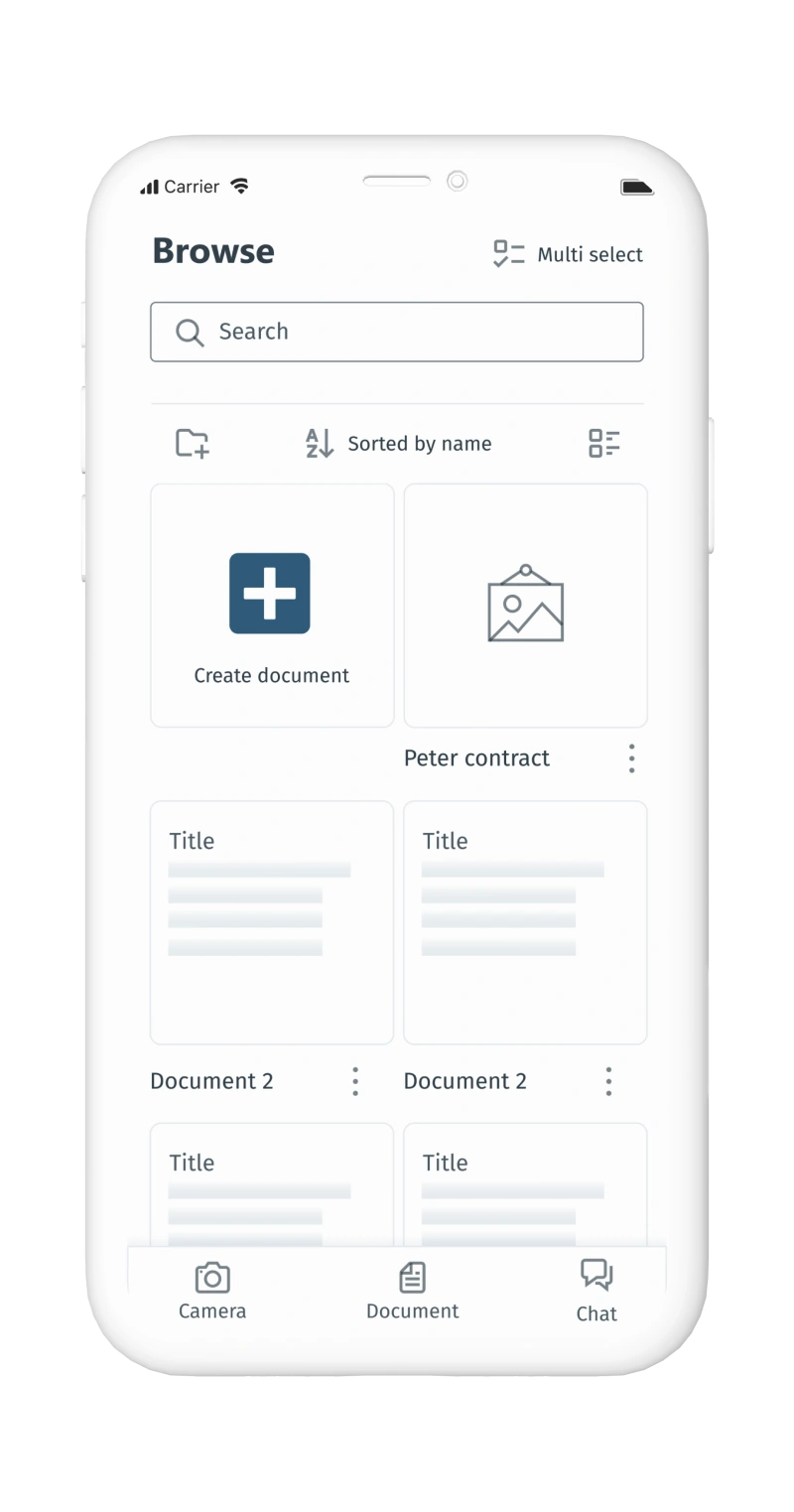
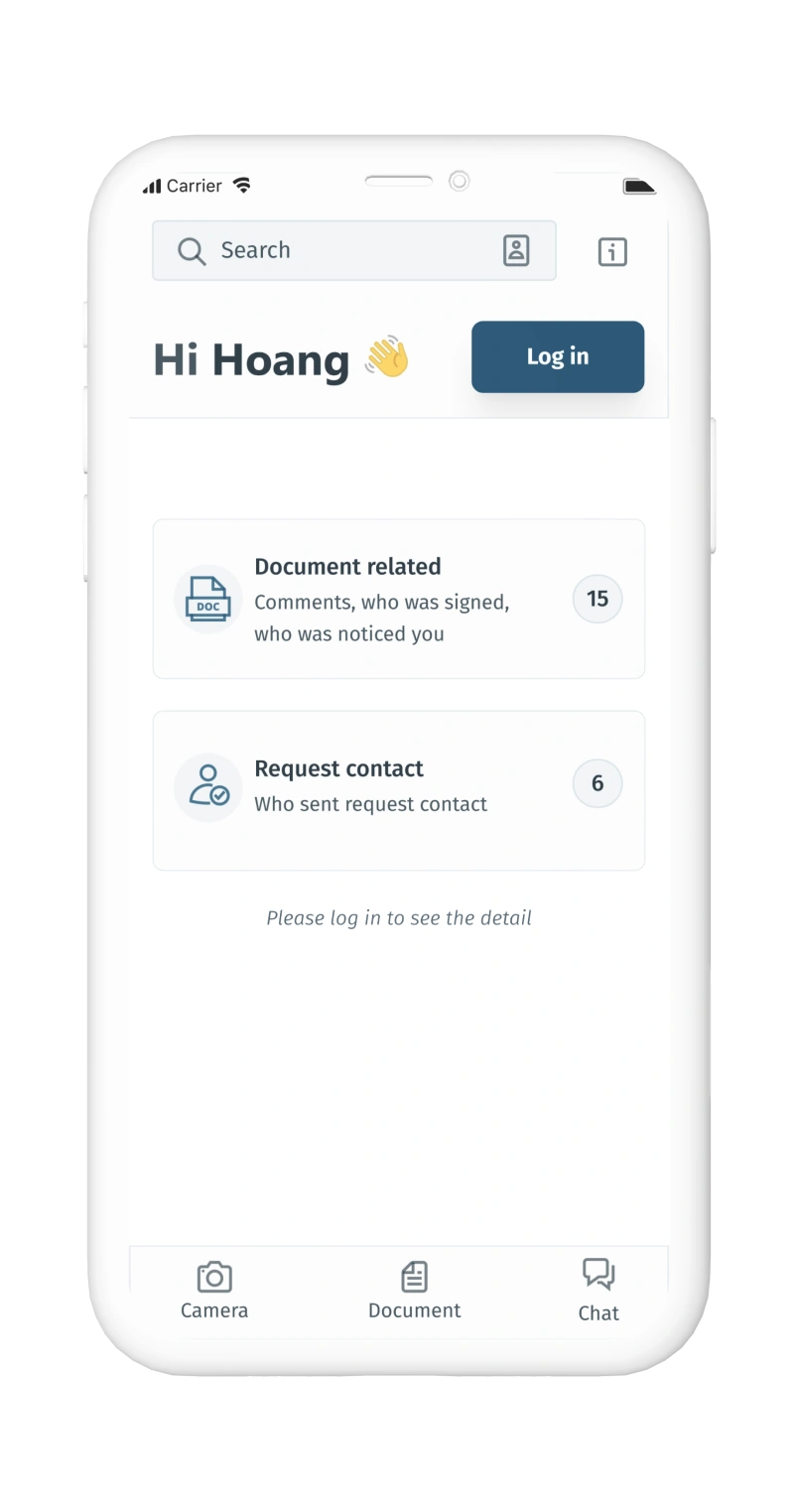
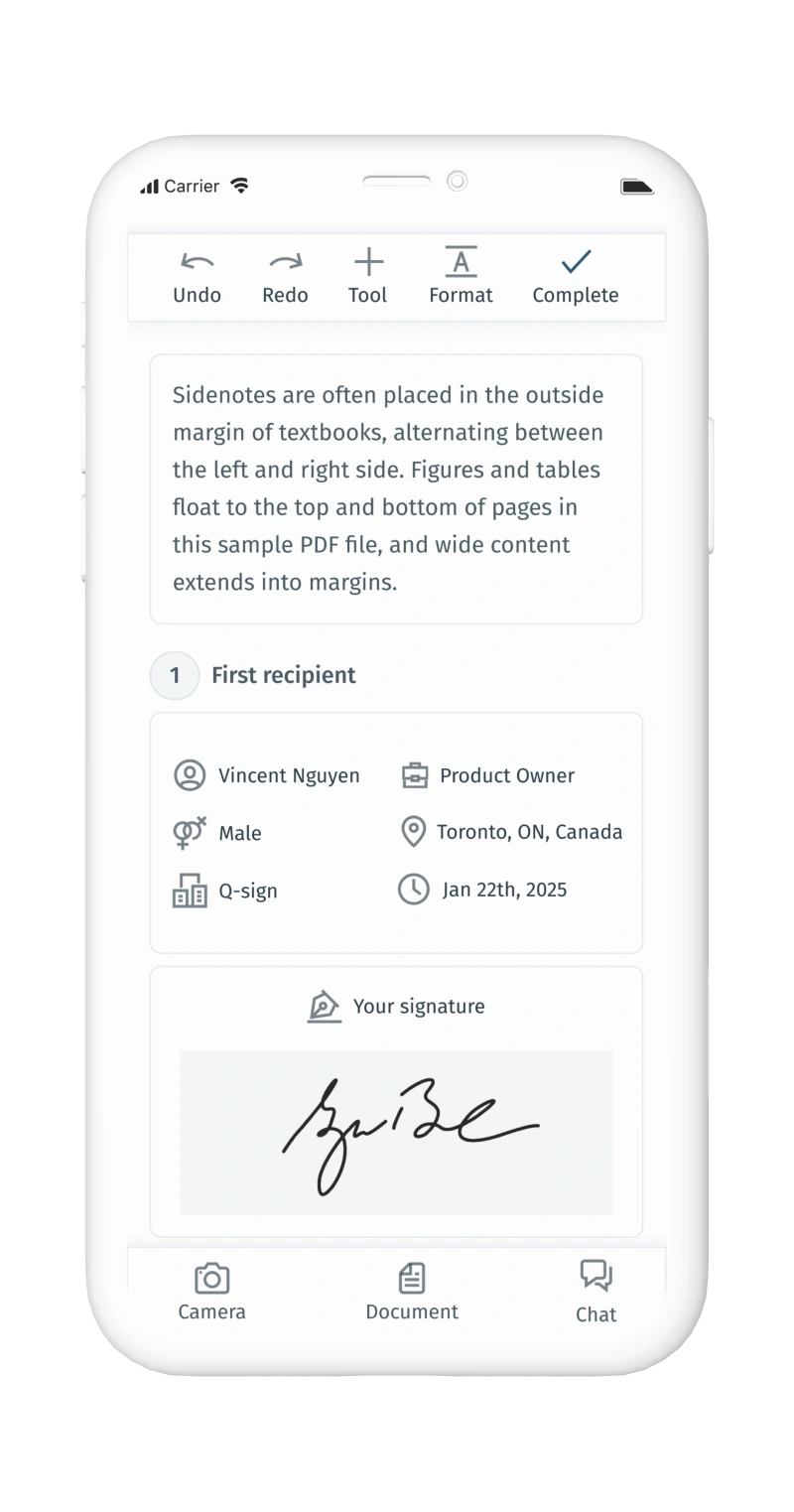
Q-Sign

A digital solution that transform the traditional signature

TL;DR

View Slide Deck
Q-Sign hero

How the Q-sign application was inspired by
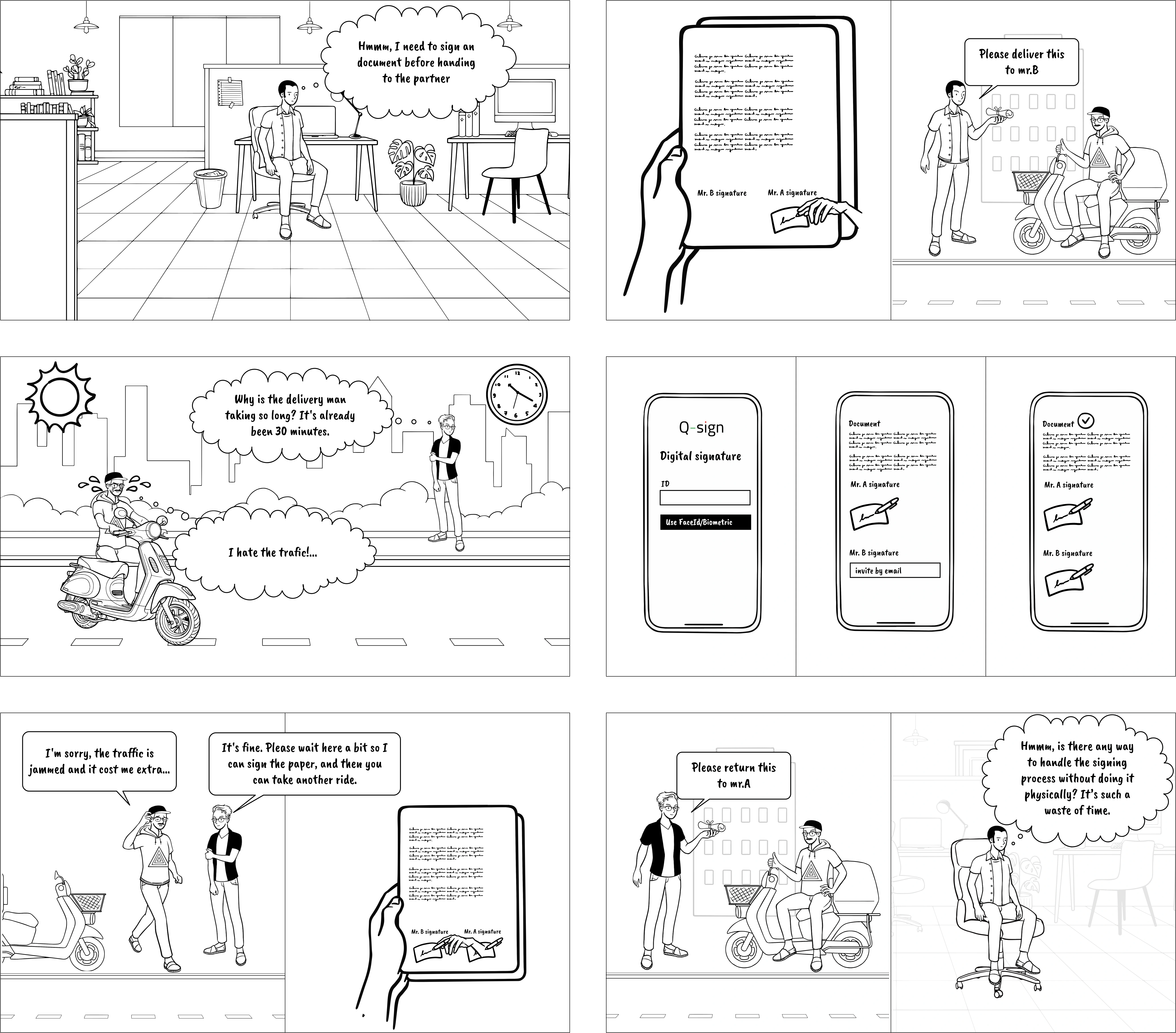
Q-Sign storyboard 1 2 3 4 5 6

Q-sign's objectives

When building Q-Sign, our aim is to revolutionize the traditional method of signing documents, particularly in contract signings. Here are the main features
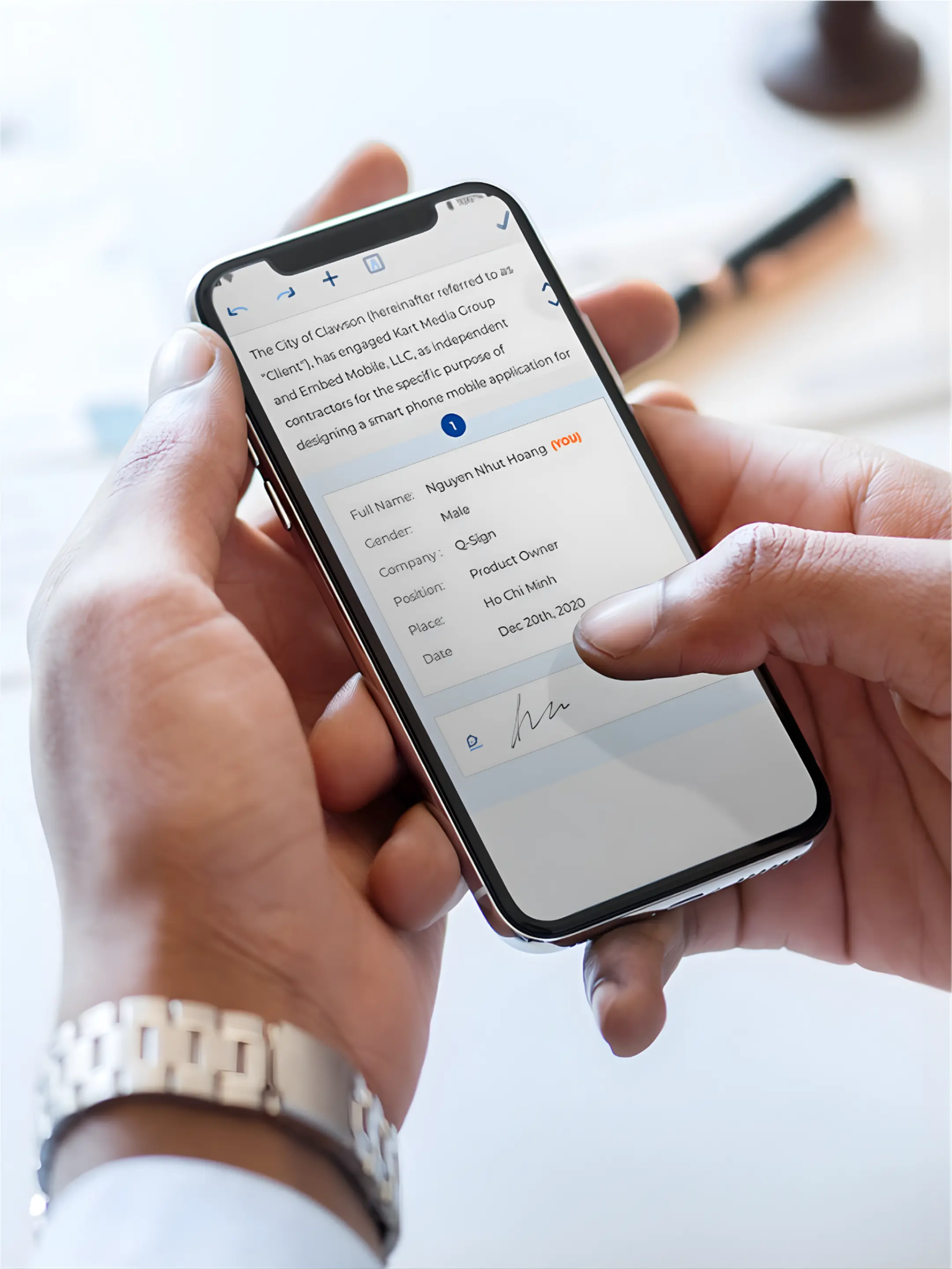
  • Compose or upload documents with e-signature capability
  • Address booking functionality
Overall Process

What I did in this project

MY ROLE AND DURATION
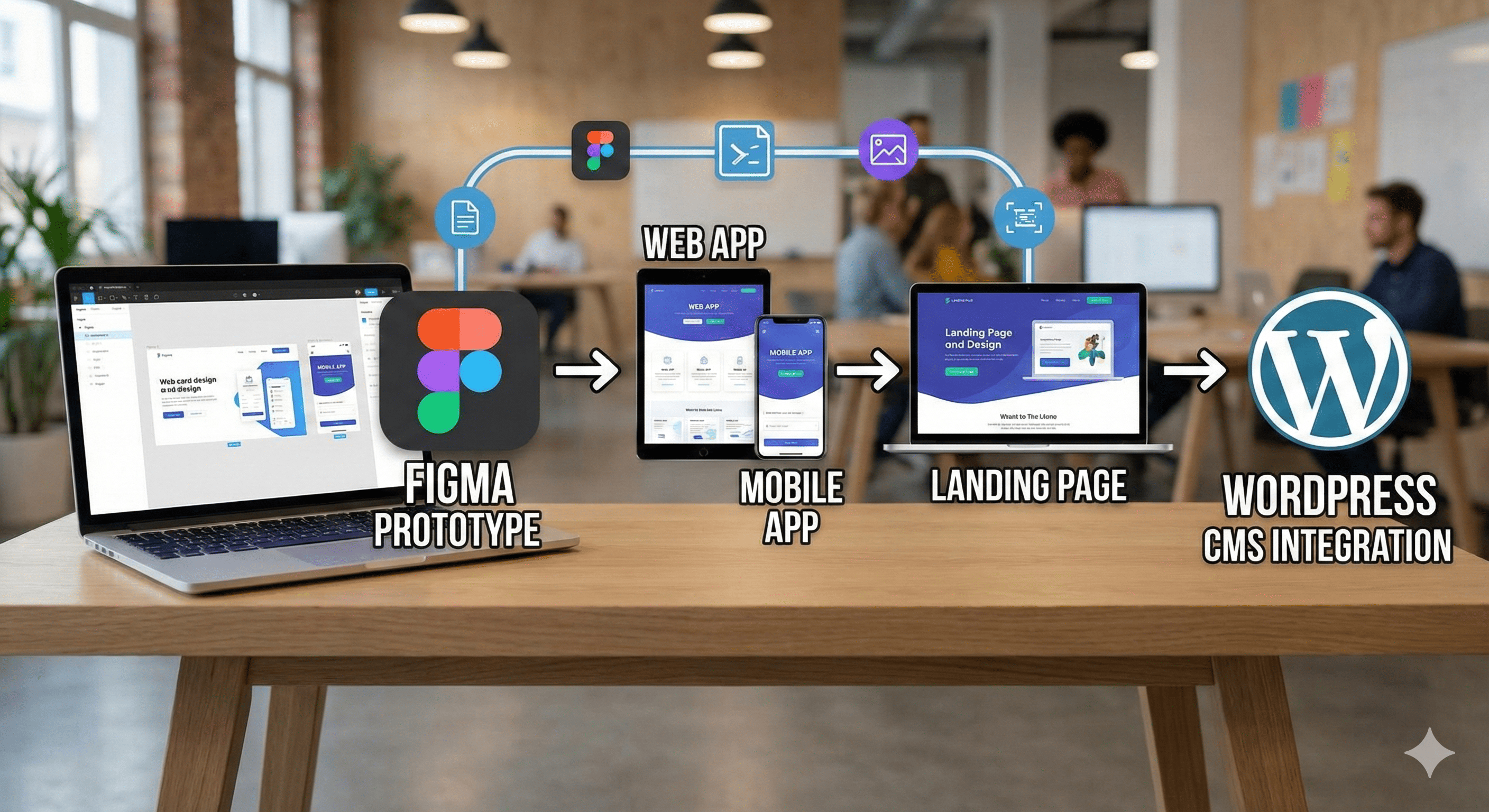
  • UI/UX designer: web app, mobile app and landing page
  • Development of the landing page using WordPress
  • The project lasted 4 months
  • Team has: Product manager, me as UX designer and 2 more developers
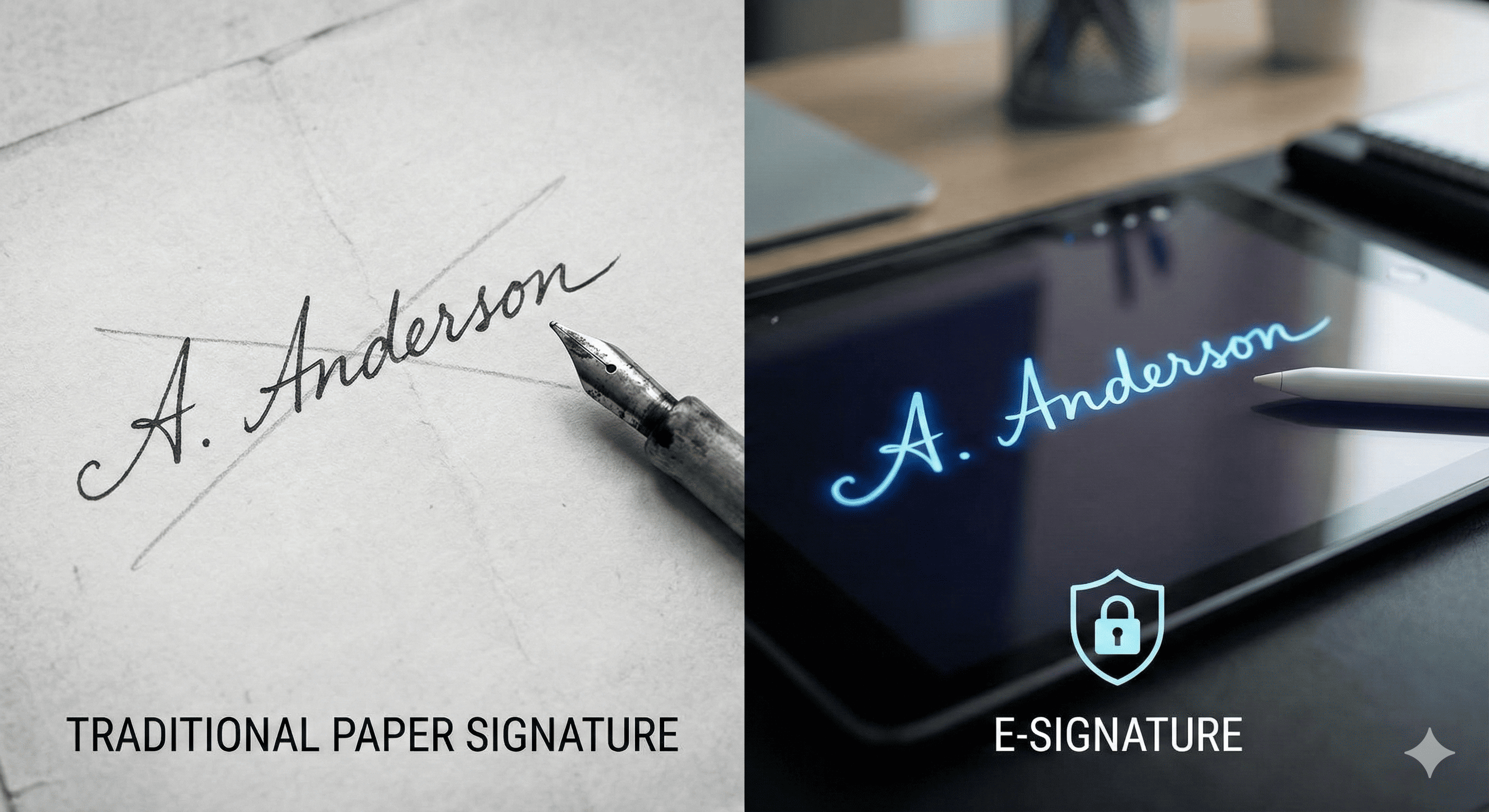
Signature Methods Comparison

Problem statement

Small and medium businesses waste significant time on manual document signing processes.

Teams need to print documents multiple times, physically travel to collect signatures, manually track signature status, and store paper documents for compliance.

Result

After our research, we wanted to build a prototype, get funded, and launch in Singapore or elsewhere, rather than in Vietnam because of legal restrictions.

In Vietnam, e-signatures are not legally recognized, which caused significant friction.

We sought startup capital, but unfortunately, the deal fell through and the project had to stop.

Discovery and Initial Research

Market Analysis

Existing Solutions

Major e-signature platforms like DocuSign and Adobe Sign dominate the market but have limitations:

  • Enterprise-focused pricing ($25 to $40 per user per month)
  • Complex features overwhelming for small businesses
  • Steep learning curve for non-technical users

User Needs

Our research identified key requirements:

  • Simple, intuitive interface
  • Mobile-first approach for on-the-go signing
  • Affordable pricing for small teams
  • Quick setup without technical knowledge

Critical Discovery

During deeper market research, we discovered significant legal and regulatory constraints around e-signature validity that vary by jurisdiction. The legal framework for digital signatures requires compliance with specific standards and, in some markets, certification from approved authorities.

Impact: These regulatory requirements meant our initial B2C approach would face substantial legal and compliance barriers. We needed to reconsider our go-to-market strategy.

User Personas

Lan

Office Administrative

I need a solution that works on mobile because I hate to commute to client's office only for a signature

Minh

Lawyer

Some docs have to be hand signature, especially related to legal

Main users are office workers, lawyers, enterprises who want not only fast way to get consensus by signature but also be legit

qsign-decor
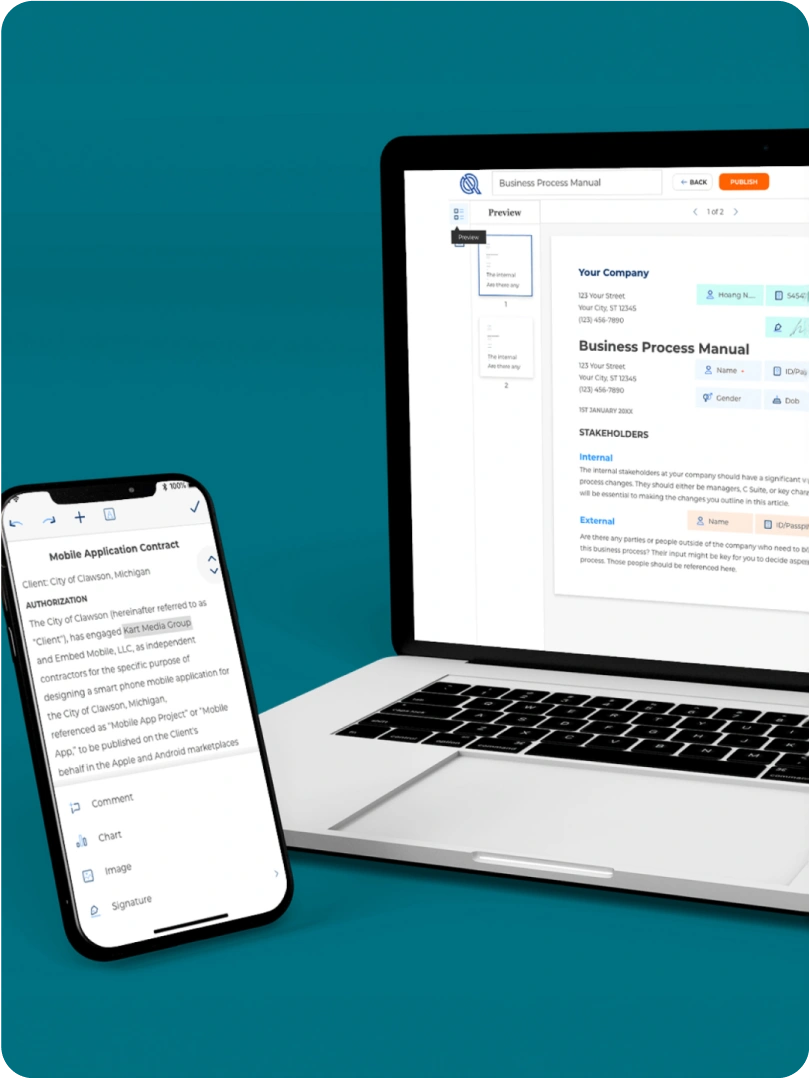
Mobile app and web app of q-sign
qsign-decor
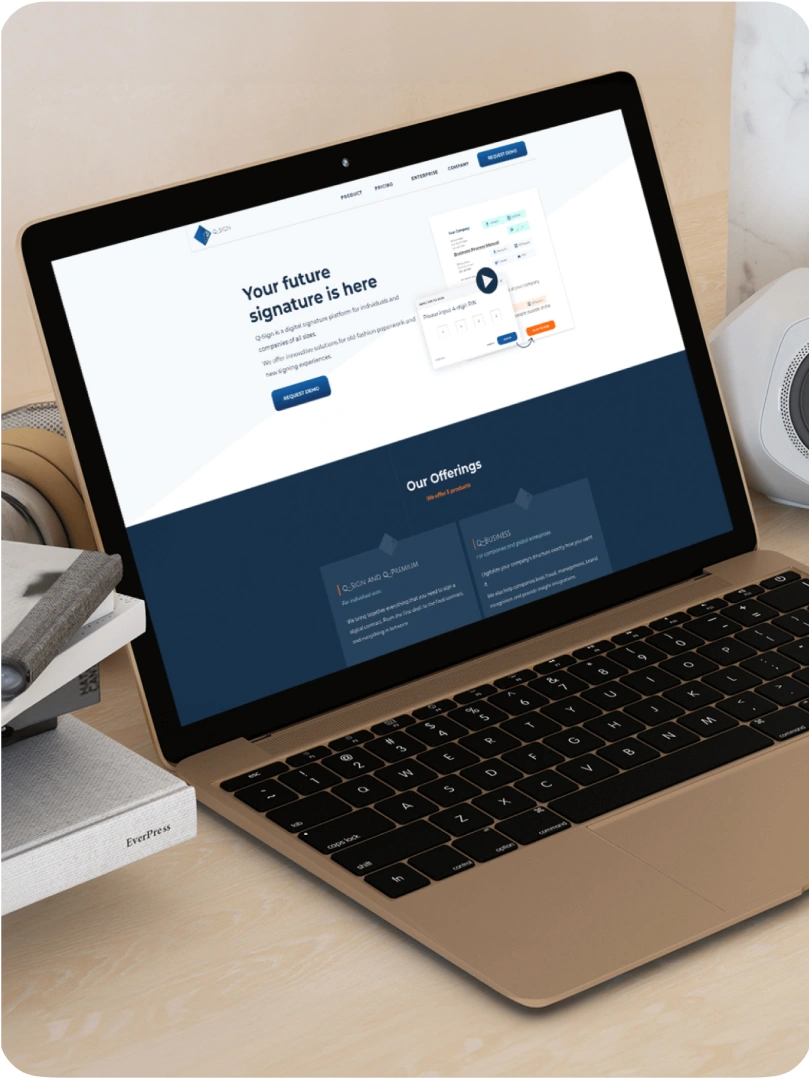
Q-sign’s Landing page
qsign-decor
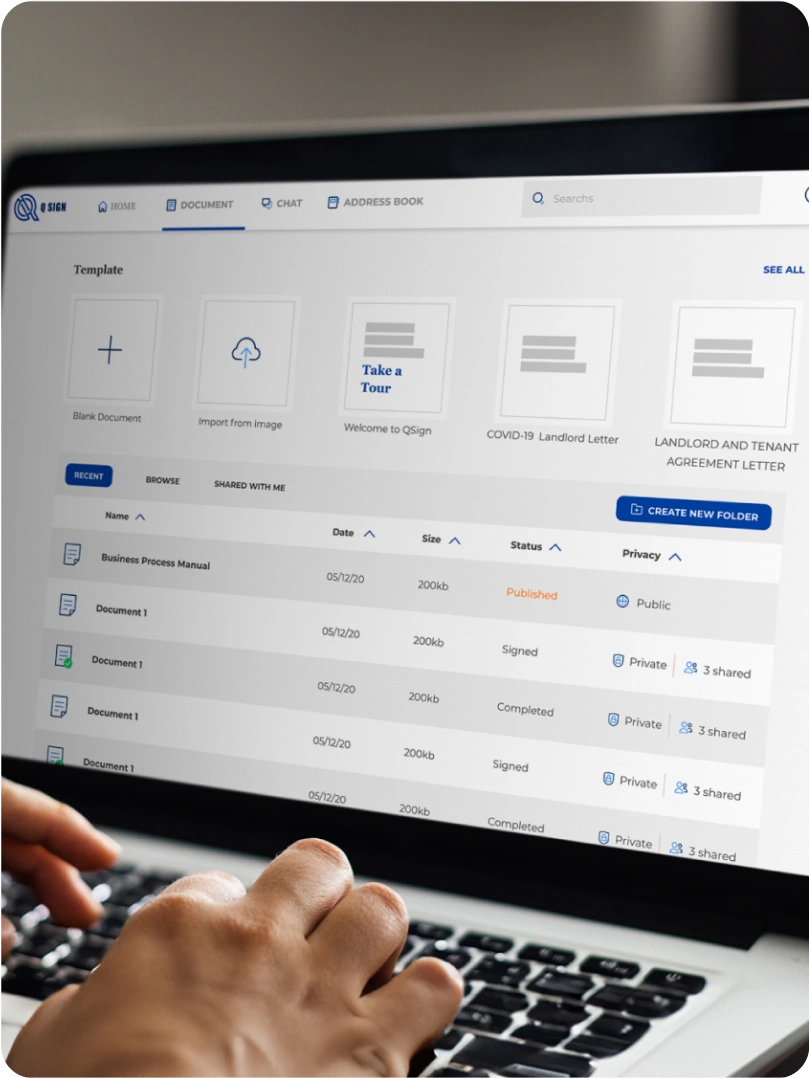
Q-sign web app
qsign-decor
qsign-decor
qsign-decor

Prototype

Helps everyone imagination

The prototype serves as a tool to help everyone visualize how Q-Sign works. The Q-Sign mobile and web applications were built specifically to shed light on the operation of the product for product owners, stakeholders, developers, and designers alike.

Usability Testing

Testing Methodology

Participants: 8 users (4 office managers, 4 small business owners)

Tasks:

  1. Upload a document and request a signature
  2. Sign a document as a recipient
  3. Track signature status

87.5%

Task completion rate

2.3 min

Average time of signature's flow

62.5%

Struggled with verification step

Key Findings

What Worked Well

  • Upload flow: Users found the drag-and-drop interface intuitive
  • Mobile design: All users successfully completed tasks on mobile
  • Simple interface: Users appreciated the clean and straightforward design

Pain Points

  • Email verification: 5 out of 8 users confused by the verification email step
  • Signature placement: Users wanted to drag-and-drop signature fields instead of clicking coordinates
  • Status tracking: Not clear which documents were pending vs completed

Next iteration: Simplify verification flow, add drag-and-drop for signature placement, improve status indicators

Competitor Analysis

I conducted a rapid competitor analysis to assess the strengths and weaknesses of existing e-signature products in the market. Using this information, we aimed to identify opportunities for Q-Sign, whether in terms of direction, features, or target market.


Our competitors

Strengths

  • Market leader in E-signature technology
  • Diverse range of solutions
  • Strong brand equity
  • Strong financial performance
  • Extensive dealer network and associates network

Weaknesses

  • Dependence on third-party software and platform
  • Faces privacy and security concerns
  • Different regulations and cultural differences
  • Competes with numerous e-signature management companies

Opportunities

  • Local collaboration
  • Lowering of the cost of new product launches
  • Trend of customers migrating to higher end products

Threats

  • Competitive pressures
  • Trade relation between US and other countries
  • Lack of localization
  • Government trade law obstacle

Summary

Based on the weaknesses and threats identified in the SWOT analysis of competitors, the team decided to develop the e-signature product with the following key features and strategies
  • Encryption of e-signatures and uploaded documents to ensure privacy and security.
  • Identification of countries where governments have regulations supporting e-signatures.
  • Targeting regions with tech-savvy users, rapid social media growth, and robust 5G networks
  • Localization of document templates to cater to specific regional and cultural needs.

How Q-sign operate

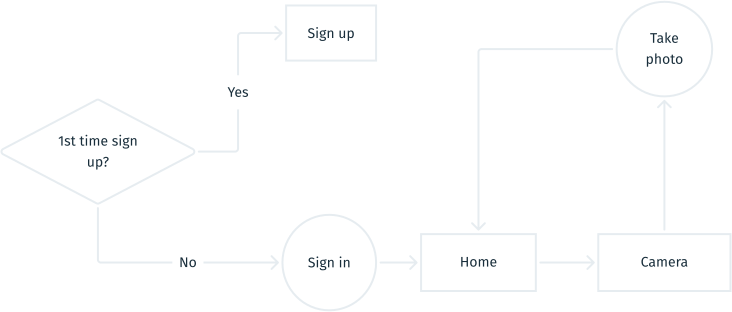
Why I have to draw the user flow?
  • It helps product owners and stakeholders understand all user steps in Q-Sign.
  • It ensures designers connect features seamlessly, guaranteeing a smooth user journey.
Document image capture

Before taking a picture, users must sign in or sign up. Then, they can either:
  • Go to Camera to take a photo of documents.
  • Scan a QR code to add friends or open a document.
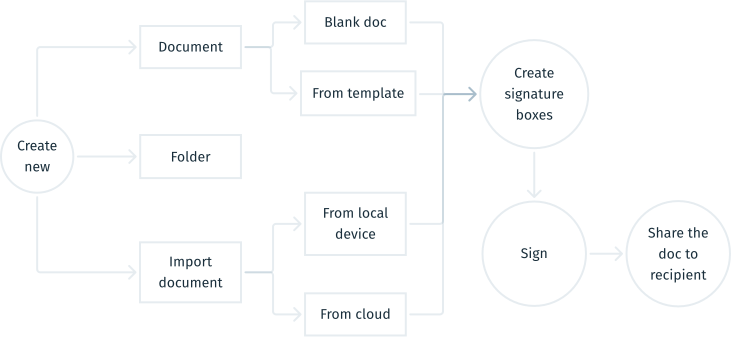
Flow of create document
Create a blank document or upload one
  1. From the document screen, the owner generates a blank document and composes it using a WYSIWYG editor.
  2. The owner adds necessary information such as name, title, and signature box.
  3. The owner invites the receiver via email.
  4. The receiver reads the document and adds comments if necessary.
  5. Finally, both parties sign the document.
Communicate with others
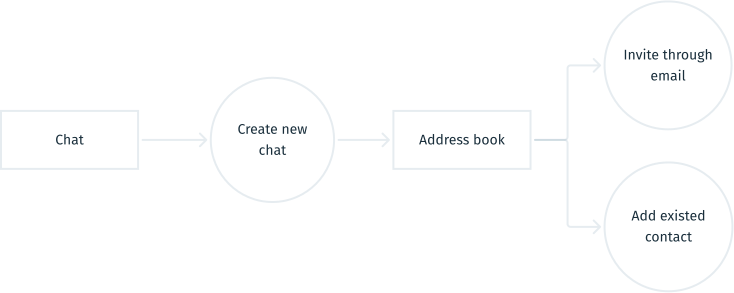
  • Chat screen > Create new chat > browse on address book
  • Or, on Chat screen > Add friend > Scan QR code or send request via email.

Style Guide

Better communication

A style guide aids in designer-to-developer handoff by facilitating smooth communication between the two parties.
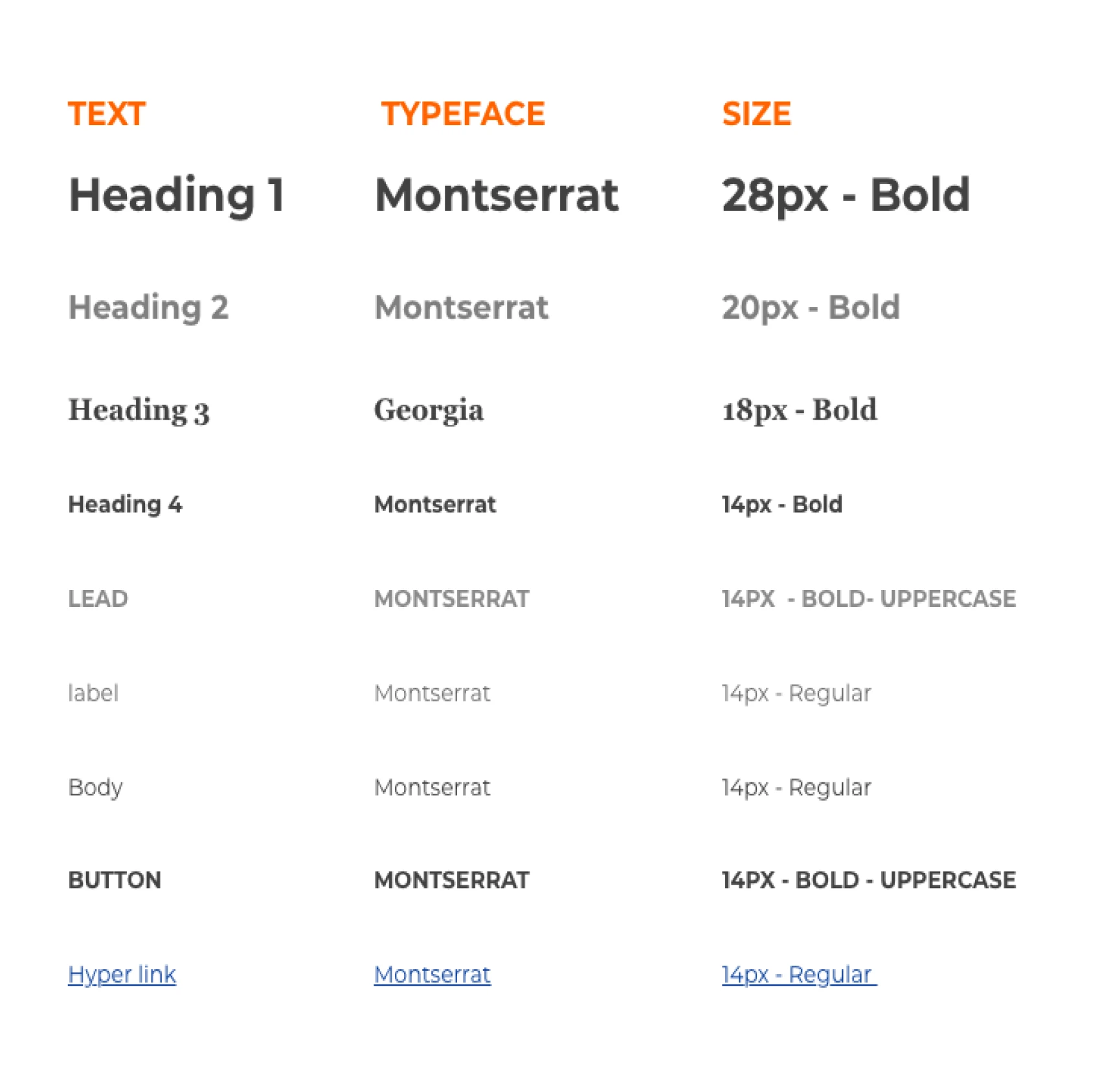
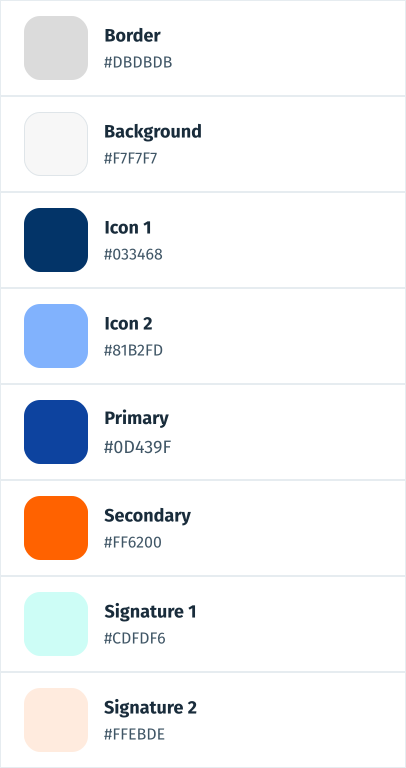
Color Guide

Takeaway

If I were a founder, after realizing there was a legal constraint on e-signatures, where the application was made, I would reconsider the business model to ensure regulatory compliance and market viability. Additionally, I would focus on developing only one platform, either web or mobile, to save time and budget.
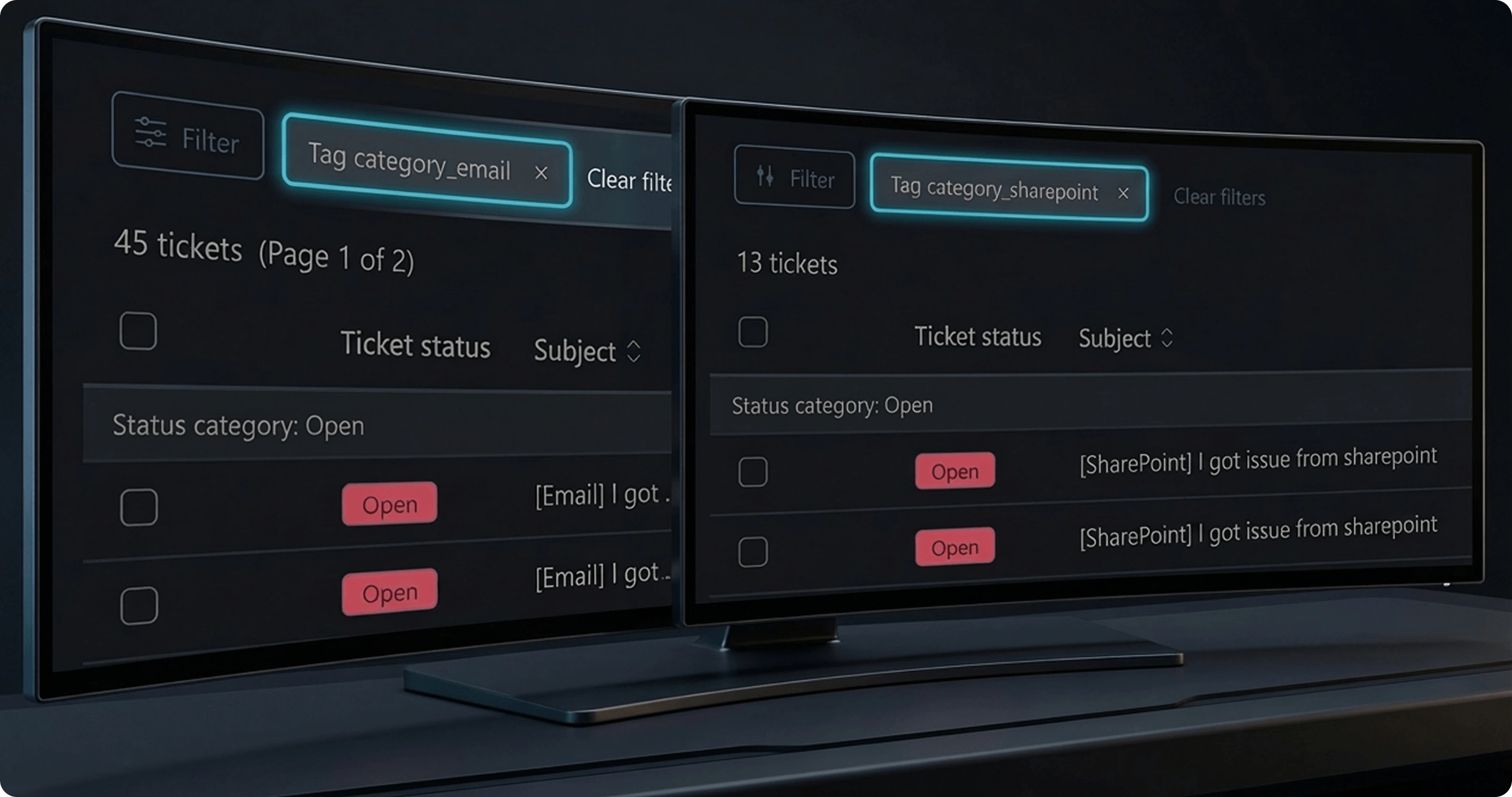
ITPAL project preview
Next project

ITPAL

AI-powered IT help desk that automates Level 1 support and reduces repetitive IT tickets.